Install code-server on Android
Student
If you are here then I assume you already know the purpose of using code-server. So why on phone? Phones these days have become quite powerful. Maybe you have an older laptop lying around. The existence of code-server on Android implies there is at least one use case being fulfilled. So I will not pursue the topic any further.
Install Termux
Get it from F-Droid.
Termux is a terminal emulator that allows you to use the command line tools you are familiar with. Root is not needed for our purpose. You can ssh into it or use a bluetooth keyboard if you are not a fan of typing on small screens.
Install code-server
You can use the automated script provided by Coder or follow a manual approach as explained below.
In Termux, run apt update && apt upgrade. Now we need a few packages to get started. Install them with apt install build-essential python git nodejs yarn. Install code-server by running yarn global add code-server.
Installing code-server will take a while. It took around 20 minutes on my phone (Snapdragon 665). B
Running code-server
Start code-server by entering code-server in Termux.
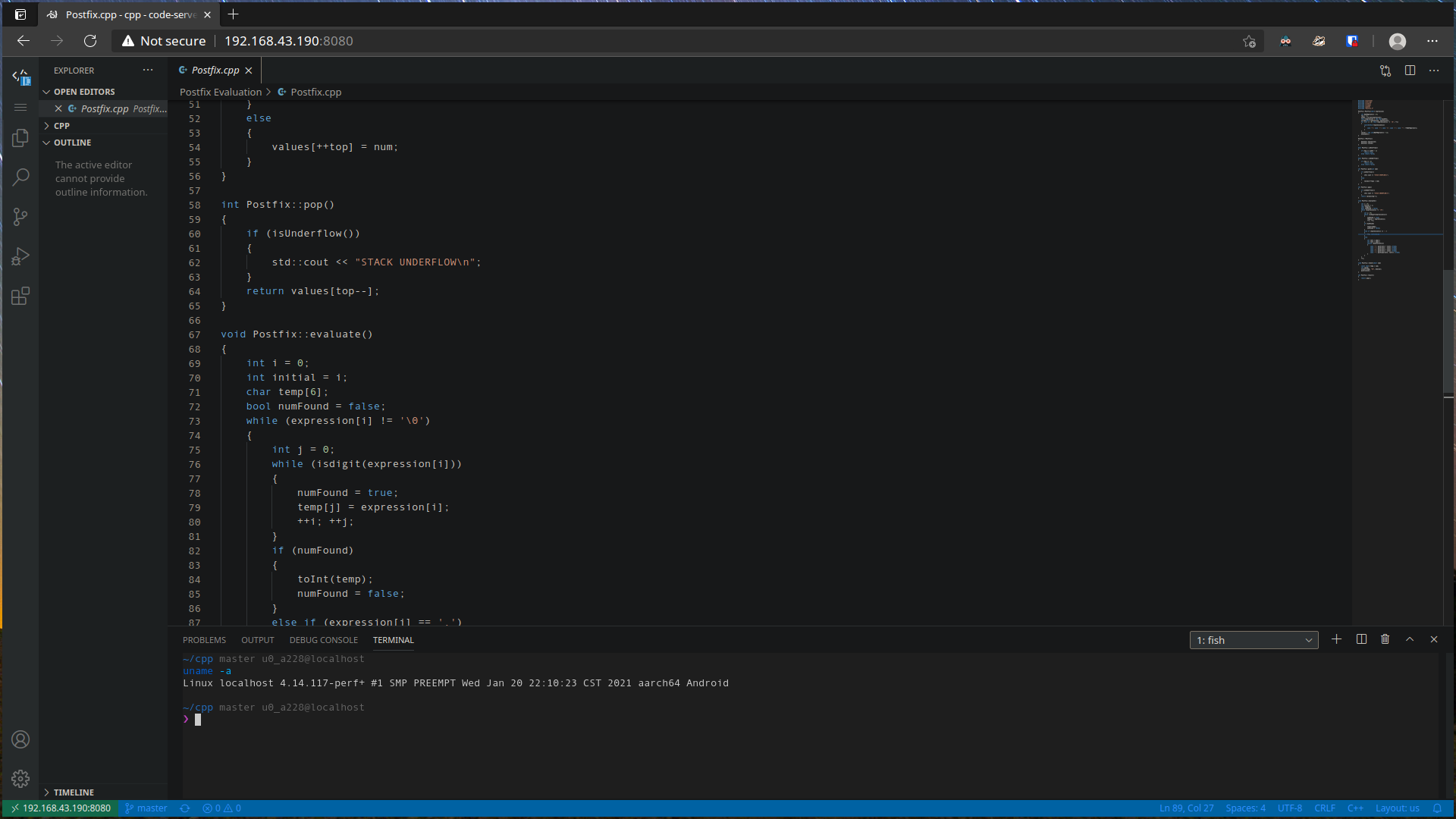
By default, it will listen on localhost which is of little help on a small screen. We want to use it on a larger screen like a notebook. There are two ways to achieve this: a) change bind address, and b) use port forwarding.
Change bind address
Change bind-addr to 0.0.0.0:8080 in ~/.config/code-server/config.yaml.
Now go to your browser (preferably connected to the same network) and enter your phone's IP address with port (which is 8080 in this case). It will ask for a password. Use the one in the config file.
Use port forwarding
Install openssh by running apt install openssh. Set your password by running passwd. Check username with whoami. You may also set up a key pair if you like. In that case, change the config accordingly.
Now start the SSH server by running sshd. On remote machine, run the following in your console
ssh -N -f -L 8080:<your phone's IP address>:8080 <termux username>@<phone's IP address>
If you are using key pair, tell ssh to use the key
ssh -i /path/to/your/key -N -f -L 8080:<your phone's IP address>:8080 <termux username>@<phone's IP address>
Open a browser and go to localhost:8080.
Update code-server
Stop code-server, update the above packages, remove code-server (it will not remove config files and stuff) and install code-server. Which means running
apt update && apt upgrade
yarn global remove code-server
yarn global add code-server
Result